
Does Canva Print and Mail Postcards? Not to Guests (2026)
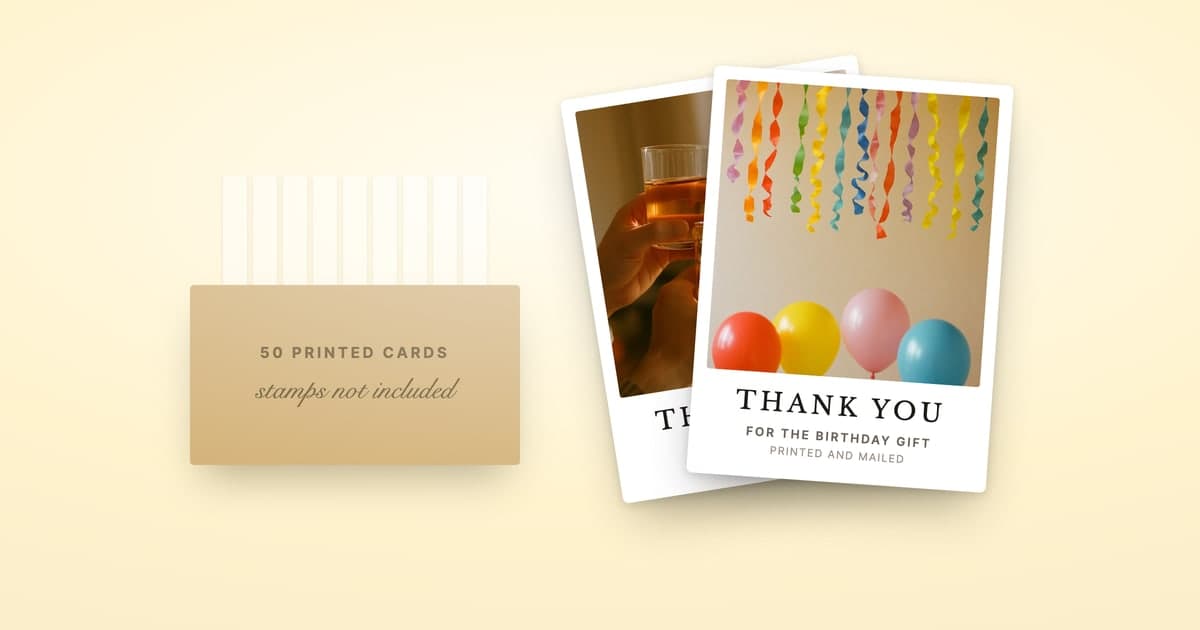
No. Canva prints your postcards, but it doesn't mail them to your recipients. Canva's own help describes Print with Canva as a service "where Canva prints and ships high-quality products to your address." Your whole order arrives as one box, and addressing, stamping and posting each card is up to you.
Disclosure: ShipNote is our product and it appears below. Canva's print details and prices were checked against its own help and product pages on September 29, 2026, and Postable's on the same day.
What does Canva Print actually do?
It prints what you design and delivers the order to one place. From the editor you pick paper, finish and quantity, proof the design, and check out. At checkout, Canva's ordering guide says to "enter your details or those of the authorized recipient", then choose a shipping method or in-store pickup.
What we found on Canva's pages on September 29, 2026:
- Two postcard sizes on its product page: small, 5.5 x 4.25 inches, and large, 7.1 x 5.5 inches, on premium, deluxe, hemp, pearl or linen paper.
- Envelopes are optional. Canva's postcard FAQ says you can choose whether to include one at the print order page.
- Double-sided printing is available, and its templates leave space for a message or an address.
- Delivery is in business days, production included. Canva's delivery article lists US standard shipping at 5 to 8 business days, express at 2 to 3 and economy at 7 to 14, on top of 1 to 2 business days of production.
Canva's direct-mail postcard page ends the same way: "We'll even deliver them right to your doorstep!" The doorstep in question is yours. Canva's postcard page also offers to send the order to "your recipient's mailing address", which means the whole box going to one other person.
Can Canva ship to multiple addresses?
Not within one order, as far as Canva's help describes it. Checkout takes one set of shipping details, and Canva's address-change article talks about changing "the shipping address" on an order, singular, within two hours of placing it. We found no Canva help article describing split shipping, printed recipient addresses, postage, or mailing single cards to a list.
So for 50 thank-you postcards the job looks like this:
- The box arrives: 6 to 10 business days after you order on Canva's free standard shipping, by its own production and delivery figures.
- You write or label 50 recipient addresses, from wherever you've collected them.
- You buy and stick 50 postcard stamps.
- You write the personal part of each card: which guest, which gift.
- You take them to a mailbox.
Step four is the one people underestimate. A Canva postcard is one design printed many times. Canva's "Print as sets" feature can print different versions of a design, but its help caps that at 30 versions per cart, so a card that names each guest's gift means either designing 50 versions or handwriting the thank-you on every card.
How can you get a Canva design mailed for you?
Design the front in Canva, then have ShipNote print and mail it. ShipNote's Blank card takes your own image as the whole front, edge to edge, and it leads the design list for every occasion. You write one message for the back, and every card goes out to its own guest.

- Make the Canva design 2:3. Portrait, at 1200 x 1800 pixels or larger, is what ShipNote's editor asks for. Prefer a wide card? Make it 3:2 landscape and flip the Orientation toggle in ShipNote.
- Download it as a PNG or JPG. ShipNote's upload takes JPG, PNG, GIF, WebP and HEIC files. It doesn't take a PDF, so skip Canva's PDF Print option for this.
- Upload it as the front of the Blank card. Your Canva design is the front of every card in the batch.
- Write one message for the back. Use
[RECIPIENT]and[GIFT_NAME], and each card fills them in from that guest's row, so the stand mixer and the picture frame each get thanked by name. Any single card can still be edited on its own. - Paste your list. Paste a registry list, your purchase emails or a spreadsheet, and AI pulls out the names, gifts and addresses. US addresses only. A row the paste couldn't address is flagged when you press Next: Review, and a flagged row offers "Don't have their address? Request it with a link".
The back is ShipNote's message layout, not a second Canva page: your text, plus the address and postage area the mail needs. Cards are mailed the next business day with First-Class postage included, and arrive in 4–7 business days. There's no account to create. Upload your Canva design and start the batch.
The same route works for art from anywhere: how to print and mail an AI-generated card covers crops and resolution in more detail.
What do 50 Canva postcards cost with postage?
About $1.11 a card, if you do the mailing. Canva's small postcard was $23 for 50 on September 29, 2026, and a 65-cent postcard stamp adds $32.50. Canva's small postcard is cheaper per card than ShipNote, whose $1.99 a card on 10 or more covers the printing, postage and the mailing to every guest.
| Service | Mails each card to its guest? | Addressing and postage | All-in per card, with postage | Price checked |
|---|---|---|---|---|
| ShipNote | Yes, every order | Done for you; First-Class postage included | $1.99 each on 10 or more ($49.75 for 25, $99.50 for 50, $199.00 for 100) · $2.49 one postcard | Our own rate |
| Canva small postcard, 5.5 x 4.25 in | No; the order ships to one address | You address it and add a 65¢ postcard stamp | $1.33 on 25 · $1.11 on 50 · $0.97 on 100 | Sep 29, 2026 |
| Canva large postcard, 7.1 x 5.5 in | No; the order ships to one address | You address it; its shape mails as a nonmachinable letter, $1.31 in stamps | $2.31 on 25 · $2.07 on 50 · $2.00 on 100 | Sep 29, 2026 |
| Postable postcard | Yes, as standard | Postable addresses and mails it; the 65¢ stamp is billed on top | $4.64 one postcard · $4.04 each on 20 or more, at list price | Sep 29, 2026 |
Canva's figures are its configurator's totals for premium paper, matte finish and square corners, before tax and with the free shipping option. They cover printing only: the addresses, the handwriting and the trip to the mailbox are yours. The large card is bigger than the 4.25 x 6 inch postcard limit, and its shape is close enough to square that USPS adds the nonmachinable surcharge, so it pays 82¢ plus 49¢; the stamp calculator explains where that line sits. For the whole category priced the same way, see the cheapest way to mail thank-you cards.
Which other services mail your cards for you?
Postable mails every card as its standard service. Its FAQ lists an enveloped card at $5.99 for one and $4.59 each on 20 or more, "plus stamp", with first-class postage at 82 cents and postcard postage at 65 cents. Its postcards list at $3.99 for one and $3.39 each on 20 or more, before the stamp. A 20% off code, FALL, was running on September 29, 2026, which brings a postcard on 20 or more to $2.71 before the stamp. Postable also has an upload-your-own-image card, so a Canva design works there too. Our Postable comparison has the full breakdown.
Two stationery brands mail cards in some cases: Shutterfly's Mail for Me mails eligible cards in plain white envelopes for a per-envelope fee, and Minted's Mail It For Me mails cards only when it's offered at checkout.
Where is Canva the better choice?
For the design, and for anything you're handing out rather than mailing. Canva's editor, templates and print range are far wider than ours: business cards, flyers, posters, invitations with envelopes, and postcards in two sizes on five paper stocks. If you want a box of cards to hand out at an event, tuck into gift bags, or sign one by one at the kitchen table, Canva Print is the cheaper way to get them.
- Cards you'll hand out or mail yourself: Canva Print. It's the lowest per-card price here, and the mailing is your job.
- Thank-yous for 20 to 100 registry gifts: design the front in Canva if you like, then use ShipNote. Each card names its gift and goes to its own guest, at $1.99 a card on 10 or more with postage included.
- One enveloped card, mailed for you: Postable.
Frequently asked questions
Does Canva print and mail postcards for you?
It prints them, but it doesn't mail them to your recipients. Canva's own help describes Print with Canva as a service that prints and ships products to your address. The postcards arrive at your door in one order, and addressing, stamping and posting each card is up to you.
Can Canva Print ship to multiple addresses?
Not within one order, as far as Canva's help describes it. Checkout takes one set of shipping details, yours or an authorized recipient's, and the help documents no way to split an order or send single cards to a list. You can send the whole box to someone else, but not one card to each guest.
Does Canva mail invitations?
No. Canva prints invitations and can add matching envelopes, but the order ships to you like any other Canva Print order. You address, stamp and mail each invitation yourself.
How much does Canva postcard printing cost?
On September 29, 2026, Canva's configurator priced its small 5.5 x 4.25 inch postcard, premium paper and matte, at $17 for 25, $23 for 50 and $32 for 100, before tax, with a free shipping option. Add a 65 cent postcard stamp and 50 cards come to about $1.11 each, mailed by you. ShipNote is $1.99 a card on 10 or more, with postage included and every card mailed to its guest.
Can I have a Canva design mailed for me?
Yes. Download the design from Canva as a PNG or JPG, then upload it as the front of ShipNote's blank card. ShipNote prints it on every card in the batch, puts each guest's own message on the back, and mails every postcard with postage included, for $1.99 each on 10 or more.
Ready to mail your thank-yous?
First batch ships next business day. From $1.99 per card. No subscription.
Create Your Postcards

