How to Print and Mail an AI-Generated Card
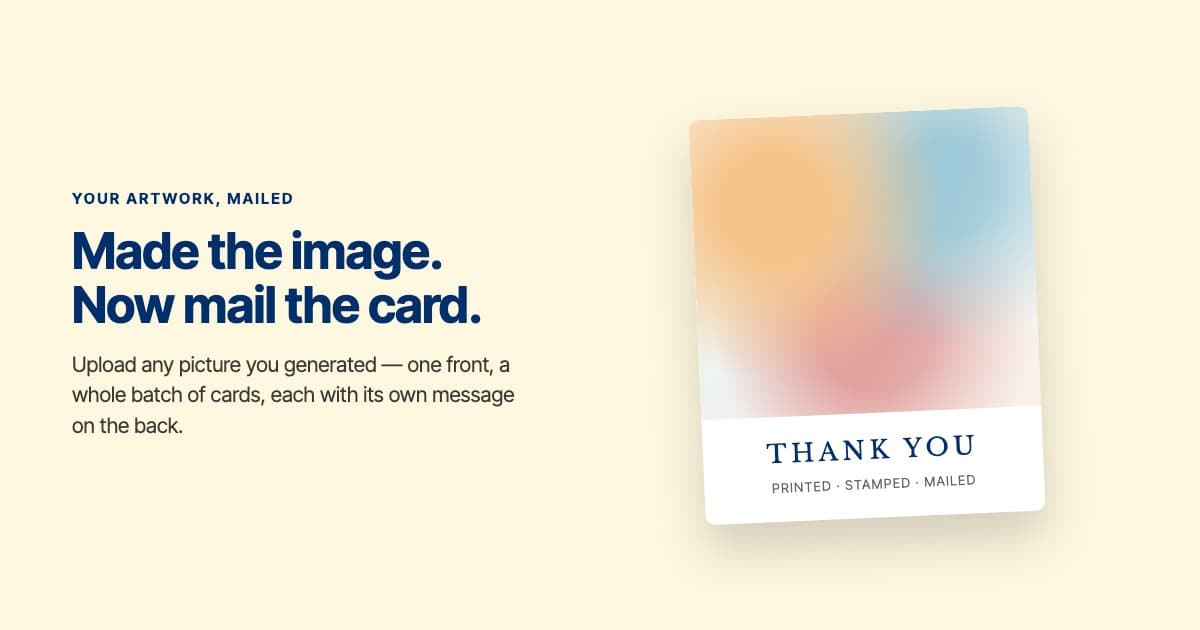
You typed a prompt, and the thing that came back is genuinely good. Now you want it on paper, in someone's mailbox, rather than sitting in a chat window.
You can. An AI-generated image is just an image file, and an image file is all a card front is. Upload it as the front of a blank card, write what goes on the back, and it gets printed, stamped, and mailed for you. The picture's origin changes nothing about how it prints.
The part nobody tells you is the shape. Below: the aspect ratio to ask for, what prints badly, and how one image becomes a whole batch of thank-you notes.
First, where your image is going
Thirty seconds of context, because the rest of this page assumes it.
ShipNote turns a gift list into mailed postcards. You pick a card, and if you want your own artwork on the front you pick the blank card, which is a full-bleed canvas with no design of its own. Then you write one message and add your return address.
After that, paste the list your registry gives you — Amazon's Thank You List, Babylist's Gift Tracker export, a spreadsheet — and a parser pulls out each person's name, the gift they gave, and their address. Review the cards and pay. Each card is printed, stamped, and mailed for you — real postcards, not email. They go out the next business day and arrive in 4-7 business days.
Two things follow from that, and they shape everything below. Your image has to survive print, which is less forgiving than a screen. And the image goes on the front of a batch — so it is not one card you're designing, it's the cover of the whole run.
Can you actually mail an AI-generated image as a card?
Yes, and the workflow is shorter than people expect. Every image model — ChatGPT, Gemini, Midjourney, Canva's generator — hands you a PNG or JPG. At that point the AI part is over. What you have is a picture, and mailing a picture as a postcard is a solved problem.
What you need on our end is a card design that gets out of the way. That's the blank card: no border, no baked-in art, no headline. Your image fills the entire front, edge to edge, and the message lives on the back where the address goes.

That's a generated image dropped straight onto the blank card. Note the panel on the right telling you the same thing this article does — portrait 2:3 — because the shape of the crop is decided at upload; print only trims a thin strip off every edge, which the blank card's editor shades.
One honest note before you generate anything: you are responsible for having the right to print what you upload. Different tools grant different rights over their output, and a card that goes in the mail is a published thing. Worth thirty seconds on your tool's terms if the image leans on a recognizable style or a real person's likeness.
What size should you ask the image model for?
This is the single thing that decides whether your card looks designed or looks cropped.
Ask for a 2:3 portrait image. The printed front is 2:3 — taller than it is wide — so a 2:3 file fills it edge to edge with almost nothing cropped. If you'd rather have a wide card, ask for 3:2 landscape and flip the orientation in the editor. Either way, the cutter still trims a thin strip off every edge, so keep any words in the image well away from the edges; postcard bleed size shows exactly where the cut and the safe zone fall.
The trap is that most models default to a square. A square image dropped into a 2:3 portrait front loses about a third of its width, cropped from both sides; on a 3:2 landscape front it loses a third of its height instead. That's how a group photo arrives missing the people on the ends, or a centered subject arrives with the top of its head missing. You will not notice on screen, because the editor shows you the crop and your eye forgives it; you notice when sixty cards arrive.
So put the ratio in the prompt itself:
...as a vertical 2:3 portrait image, 1200x1800 or larger, with the main subject centered and clear space at the top and bottom.
Aim for 1200x1800 pixels or larger. Print is less forgiving than a screen: an image that looks crisp in a chat window can look soft on card stock, because the screen was showing it at a fraction of print density. If your tool offers an HD or high-resolution option, take it.
How do you turn one image into a whole batch?
Here's where an AI-generated front is more useful than it first appears.
Most services that print an AI card treat it as a one-off novelty: one image, one card, one recipient. That's fine for a birthday. It is useless for the actual job most people have, which is thanking forty or eighty people after a wedding, a shower, or a holiday.
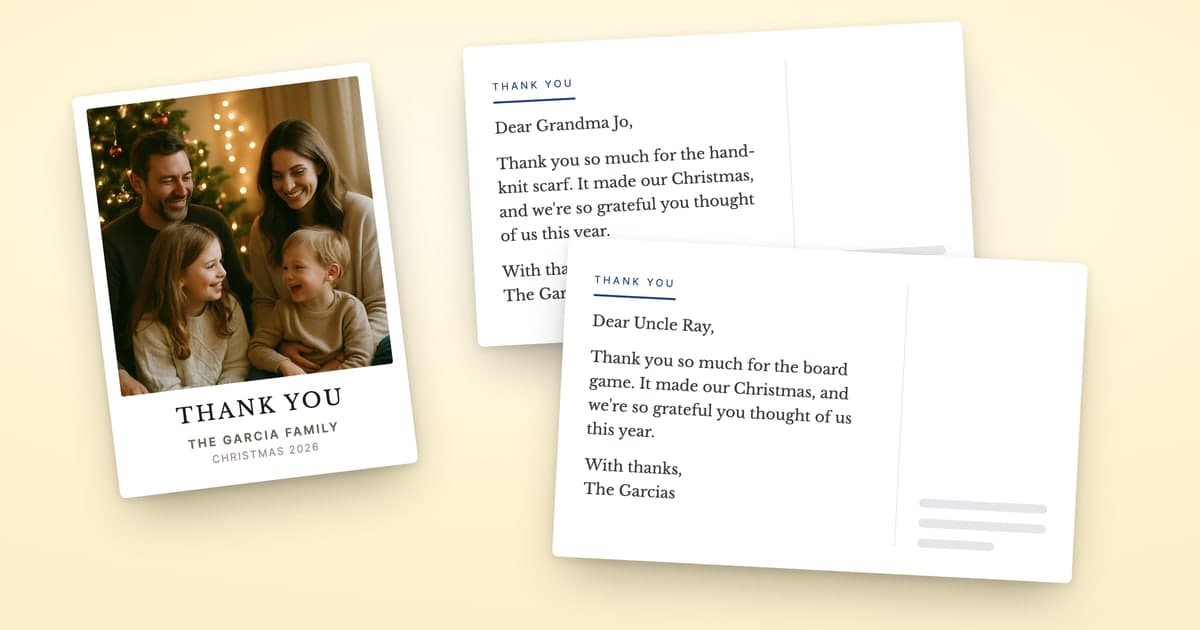
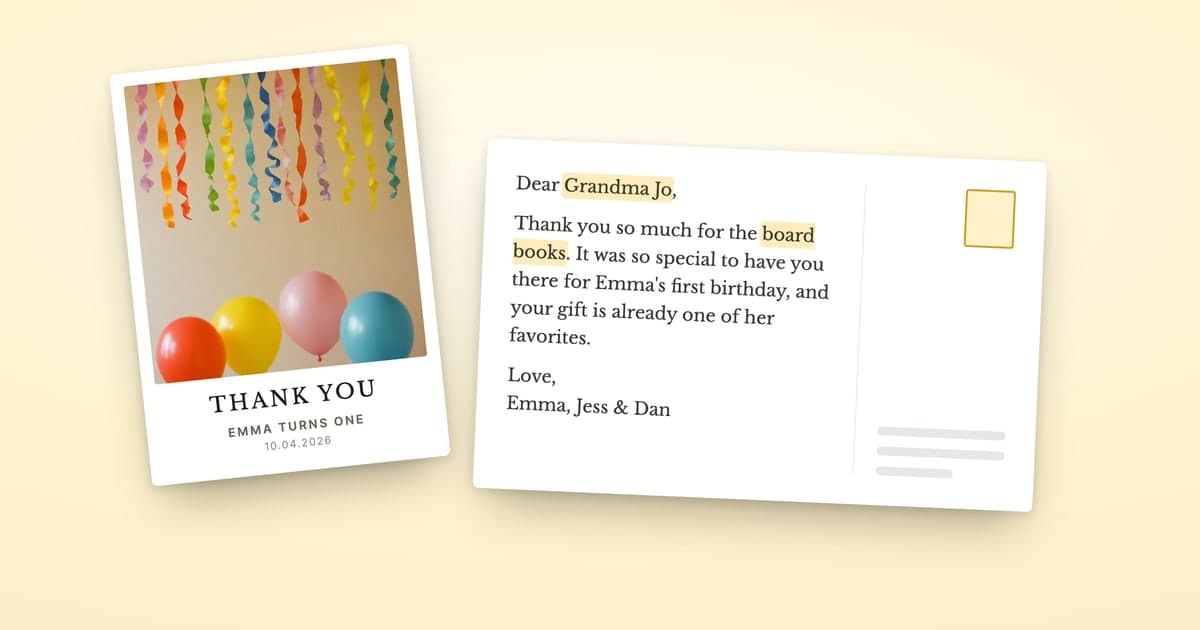
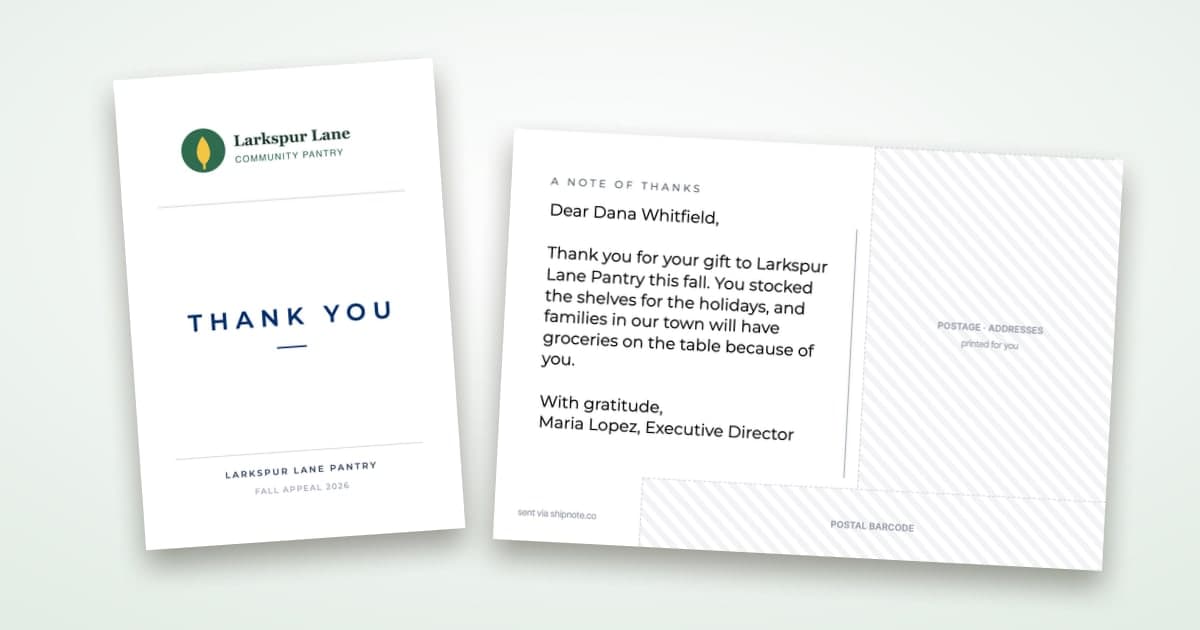
One image can be the front of the entire batch. You upload it once, and then each card's back carries its own message — that person's name, the specific gift they gave, a line that only makes sense to them. Your aunt's card mentions the Dutch oven. Your coworker's mentions the gift card and what you spent it on. Same cover, sixty different notes. It works for a December card too: one generated winter scene on the front of your holiday photo postcards, and each card addressed to its own person by name.

Same generated front on every card in the run; this is card two, and the back names Priya and the stand mixer. Card three names someone else and their gift.
That's the version worth doing, and it's the reason to generate something with a bit of meaning in it rather than grabbing a stock photo: the front becomes your cover, the thing the whole batch shares, and the back stays personal.
Which AI images don't print well?
Four failure modes, all avoidable once you know them.
| Problem | Why it fails on paper | What to do |
|---|---|---|
| Text inside the image | Models still garble letterforms, and a misspelled word is permanent once mailed | Generate the picture only; put words on the back where they're typed |
| Very dark or low-contrast art | A backlit screen adds contrast that paper doesn't | Favor brighter, higher-contrast images |
| Upscaled from a small file | Enlarging invents detail that prints as mush | Generate at size; don't enlarge afterwards |
| Busy edges | Full-bleed printing trims a sliver from every edge | Keep the subject away from the border |
The first one catches the most people. It is very tempting to have the model write "THANK YOU" into the artwork, and it will confidently produce something that is almost, but not quite, a word.
Step by step
- Generate the image in whatever tool you like, asking for 2:3 portrait at 1200x1800 or larger.
- Download the file — PNG or JPG both work.
- Start a batch and pick the blank card, so your image fills the whole front.
- Upload the image. The editor shows the crop, with the thin edge the cutter trims shaded; check it before moving on.
- Write the back — one template message, with each recipient's name and gift filled in per card.
- Add your recipients, review, and pay. Cards print and go out the next business day, and arrive in 4-7 business days.
Mailed next business day. $1.99 per card on 10+. No subscription.
Related reading
- Can ChatGPT write your thank-you cards? — the other half of this: the message on the back, and the prompt that writes one template instead of sixty notes.
- Do thank-you cards have to be handwritten? — the etiquette question underneath this one, and the volume rule for when printing is the right call.
- The cheapest way to mail thank-you cards — what a mailed card actually costs, all in.
- What to write in a wedding thank-you note — for the back of the card, once the front is sorted.
Ready to mail your thank-yous?
First batch ships next business day. From $1.99 per card. No subscription.
Create Your PostcardsCommon questions
Yes. Whatever tool made the image — ChatGPT, Gemini, Midjourney, Canva — you end up with an ordinary image file, and an image file is all a card front is. Upload it as the front of a blank card, write the message that goes on the back, and it prints, gets stamped, and goes out in the mail. Nothing about the picture's origin changes how it prints.
Ask for 2:3 portrait, or 3:2 landscape if you want a wide card — that is the shape of the printed front, so nothing important gets cut off. Most image models default to a square, and a square loses roughly a third of its width on a portrait card, which drops whatever stands at the sides, or a third of its height on a landscape one, which is how a centered subject ends up with its head cut off. Aim for 1200x1800 pixels or larger.
Yes, and that is the case worth doing. One image goes on the front of every card in the batch while each card's back carries its own message, naming that person and the gift they gave. You are not sending sixty identical cards — you are sending sixty personal notes that happen to share a cover.
Text generated inside the image, because models still garble letterforms and a misspelled word is permanent once mailed. Very dark or very low-contrast images, which lose detail on paper that they kept on a backlit screen. And anything upscaled from a small file — print is unforgiving where a screen is generous. Generate at a print-sized resolution rather than enlarging afterwards.