
Williams Sonoma Registry Thank-You Cards (Pottery Barn Too)
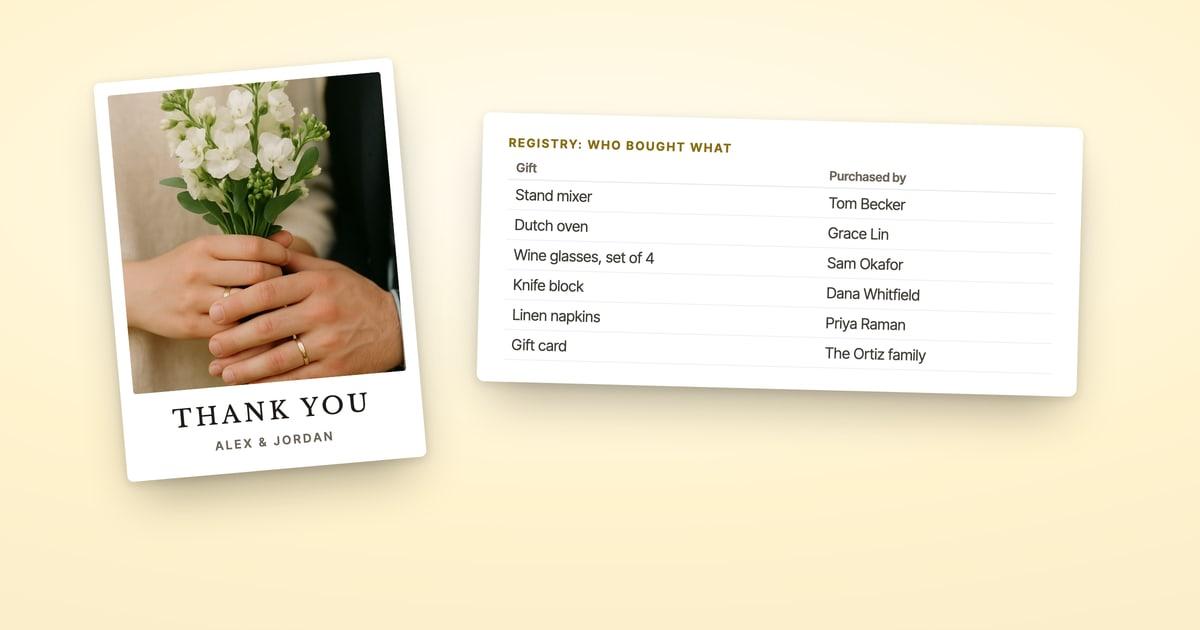
On a Williams Sonoma, Pottery Barn or West Elm registry, start your thank-you list in the Thank You Note Manager, under Manage My Registry on the brand's own site. If you linked the registry to The Knot, those gifts dropped off The Knot's tracker on May 21, 2025, so go to Williams Sonoma directly. Copy the list, add addresses, and mail the thank-yous in one batch.
Disclosure: ShipNote is our product and it appears below. We read Williams Sonoma's registry FAQ and The Knot's sunset notice on November 6, 2026. We don't have a registry of our own to open, so where Williams Sonoma doesn't document a screen, we say so.
Where do you see who bought what on a Williams Sonoma registry?
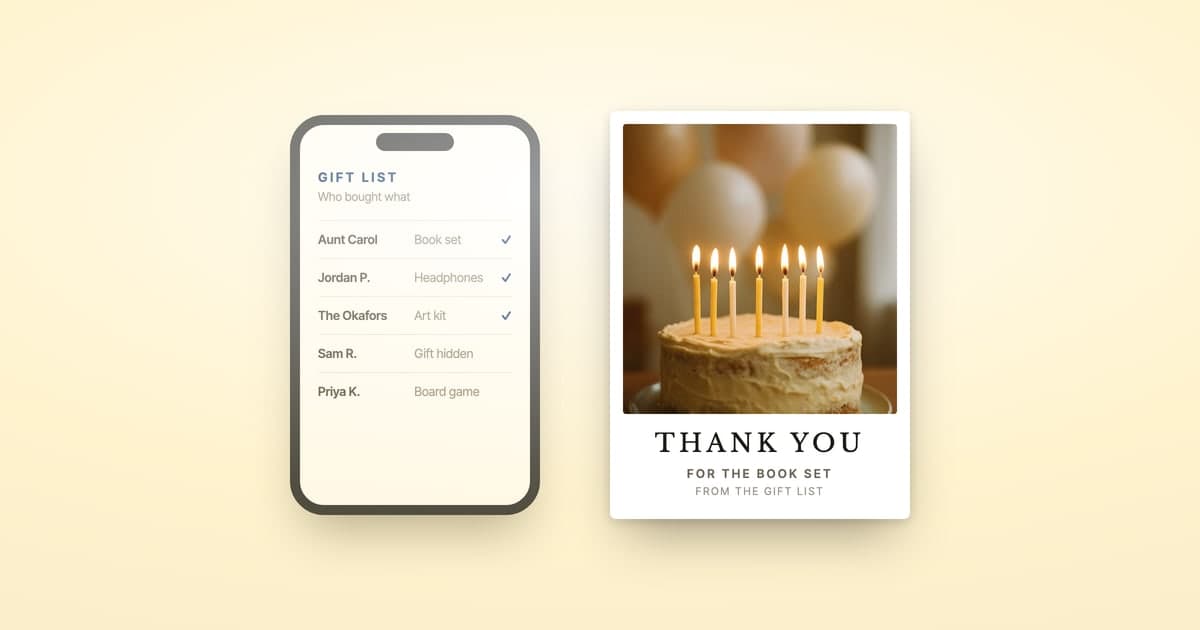
In the Thank You Note Manager, inside Manage My Registry. Williams Sonoma's registry FAQ names it when it explains gift cards: you'll "be able to track Gift Card purchases in the Thank You Note Manager." Williams Sonoma's FAQ doesn't describe the rest of the screen, but a tool named for thank-you notes is the place to start your list.
Timing matters if you're checking right after a shower or the wedding. Per the same FAQ, your registry "is updated one to two hours after an order has been placed online, and within 48 hours after an item is purchased at one of our stores." A gift a guest bought at the register yesterday may not be on the list yet.
| How the guest bought it | When it shows on your registry | What to do |
|---|---|---|
| Online | One to two hours after the order | Copy the list any time after |
| In a store | Within 48 hours | Wait two days after the event before you copy it |
| Group eGift card | Contributions are pooled into one eGift card for you | The manager may show one gift card; ask the guests involved who contributed, and thank each by name |
| Off the registry, or handed to you | Never | Add these names yourself from the cards that came with them |
Is a Pottery Barn or West Elm registry the same registry?
They share one registry account. Williams Sonoma's FAQ says "the same Registry account can be used to add gifts from our other brands including Pottery Barn and west elm online or in our stores," and that "your gift givers will only see the brands you have chosen to register for." Pottery Barn's and West Elm's registry FAQs show the same Thank You Note Manager line in search results.
So the couples searching "how to see who purchased items on Pottery Barn registry" are looking for the same tool. Sign in on the brand you registered with and open its registry. If you added gifts from more than one brand, check that the gifts you've opened from each brand are on the list before you copy it.
Why did my Williams Sonoma gifts disappear from The Knot?
Because Williams Sonoma and The Knot ended their partnership on May 21, 2025. The Knot's Help Center notice says that on that date "all Williams Sonoma branded registries will stop syncing with The Knot," covering Williams Sonoma, Pottery Barn and West Elm. A link to your registry stays on your Knot wedding website, but the individual gifts no longer appear there, and they "will no longer appear on The Knot Registry gift tracker."
The Knot's answer for couples who used its tracker is direct: "you will only be able to find your Williams Sonoma items directly on their site." If you're building one thank-you list from The Knot and Williams Sonoma, download The Knot's Track Gifts list for everything else and add the Williams Sonoma givers from the Thank You Note Manager. Our guide to exporting your Knot guest list covers the Knot half, addresses included.
Does the Thank You Note Manager give you addresses?
Williams Sonoma's FAQ doesn't say, so plan to bring your own. What it does document is the other direction: your own address stays private ("only your name, event type, event date, city and state will be displayed"), and a gift ships to the address you set unless the guest picks "Ship to Other." Nothing in the FAQ promises you the giver's mailing address.
Assume the addresses come from your wedding or shower guest list, which most couples keep in a spreadsheet or an invitation tool. If your manager does show addresses, you're a step ahead.
How do you turn the list into mailed thank-you cards?
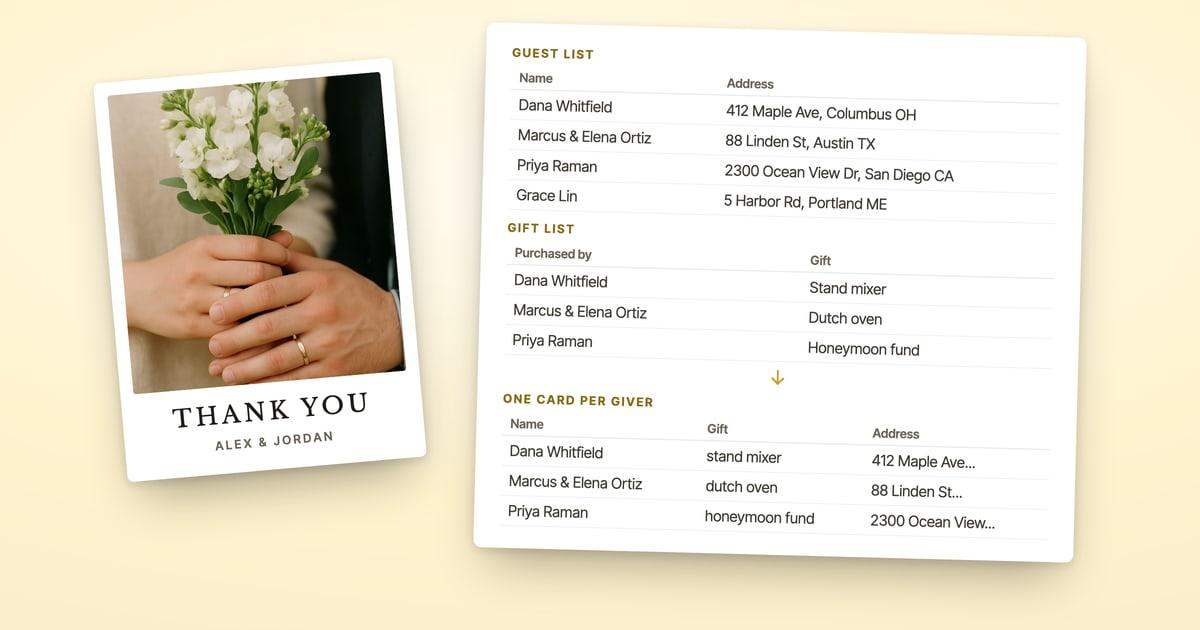
Put each giver's address beside their gift in one spreadsheet, paste it into ShipNote, and ShipNote prints, stamps and mails a postcard for every giver.
- Copy the manager page into a spreadsheet, one gift per row with the giver's name beside it.
- Add each giver's address from your guest list in the next column, with a lookup formula or by hand. Leave it blank for anyone you don't have.
- Paste that sheet into ShipNote's list box on the Recipients step, givers only. Don't paste the whole guest list: every guest on it would become a card. Check every row on screen before you pay.
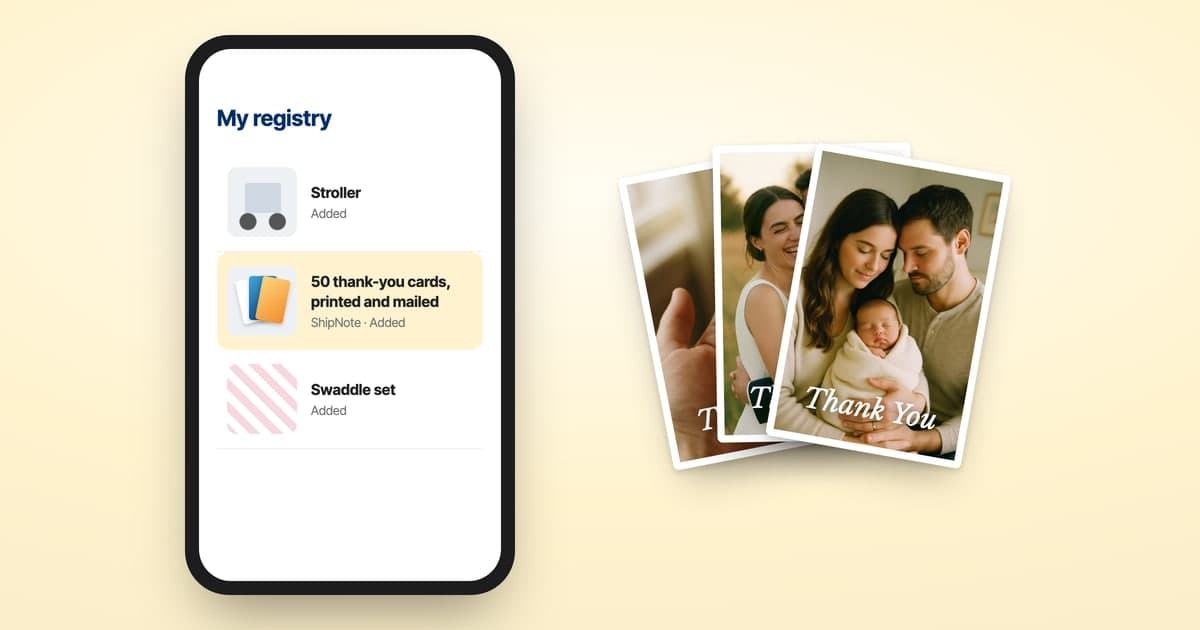
- Choose a wedding thank-you postcard (or a baby shower one, for a shower registry) and write one message with each guest's name and gift filled in: "Dear Tom, thank you for the wine glasses."
- Pay. The cards mail as soon as possible, or on a day you pick at checkout.
A giver with no address stays in with just a name. When you press Next: Review, that row is flagged and offers "Don't have their address? Request it with a link." Send each link before you pay: that card leaves this order, the guest types in their own address, and ShipNote emails you a button that starts their card. The rest of the batch mails without waiting.
It's $1.99 a card on 10 or more, postage included: a 4x6 postcard with First-Class postage, addressed from your list, arriving 4–7 business days after it mails.
$1.99 a card on 10 or more, printed, stamped and mailed for you.
How long do you have before the registry closes?
A year from the event, so copy the list well before then. Williams Sonoma's FAQ says your registry "will remain active for one year after the date of the event." Its completion offer is shorter: 10% off what's left on a wedding registry, for purchases "up to 6 months after your event date," with some items excluded. If you're using the discount, that's a natural moment to copy the gift list too, while it's complete.
Thank-yous are another clock. The usual guidance is within three months of the wedding; if you're past that, our guide to wedding thank-you cards a year later covers what to write and which registries still hold your list.
Frequently asked questions
How do you see who bought what on a Williams Sonoma registry?
Sign in at williams-sonoma.com, open Manage My Registry, and use the Thank You Note Manager, which Williams Sonoma's registry FAQ names as where you track gift card purchases. Online orders reach your registry one to two hours after they're placed, and store purchases within 48 hours.
Is a Pottery Barn registry the same as a Williams Sonoma registry?
They share one registry account. Williams Sonoma's FAQ says the same registry can hold gifts from Pottery Barn and West Elm, online or in stores, and guests only see the brands you chose. Sign in on the brand you registered with to see what was bought.
Why don't my Williams Sonoma gifts show up on The Knot?
Williams Sonoma, Pottery Barn and West Elm registries stopped syncing with The Knot on May 21, 2025. The Knot's Help Center says those items no longer appear on its gift tracker; it points couples to the Williams Sonoma registry itself for that record.
How long does a Williams Sonoma registry stay online?
One year after your event date, per Williams Sonoma's registry FAQ. Copy your list of who gave what well before then. The 10% completion discount runs for six months after the event.
Related reading
Ready to mail your thank-yous?
First batch ships next business day. From $1.99 per card. No subscription.
Create Your Postcards