
Gift Giver Addresses: How to Get Them From a Registry

The short version: Zola exports giver addresses to CSV. Babylist puts them in a downloadable thank-you list. Amazon shows one only where the giver chose to share it, under Thank You & Returns, with no export at all. Target gives you a name and nothing else. Walmart, The Knot and the aggregators are the same story or worse — the further a registry sits from the checkout, the less it knows about the giver. No registry has everyone, because a registry collects a shipping address, not a mailing list, so plan on asking for the rest.
Platform behavior below is from each vendor's own help documentation, checked July 27, 2026; Crate & Barrel's Thank You Manager terms were read 2026-09-18 — every source is linked so you can verify it.
Jump to your registry:
Why registries only have some of the addresses
A registry collects a shipping address, not a mailing list. That one distinction explains every gap you're about to find. When a guest buys you something, they enter an address so the item can be delivered — sometimes theirs, sometimes yours, sometimes a third party's. The platform stores whatever served the shipment.
That produces four categories of giver, and only the first is easy:
| Who they are | Does the registry have an address? |
|---|---|
| Bought through your registry, shipped to you, shared their details | Yes — usually name and address |
| Bought through your registry but declined to share their address | Name only |
| Bought the item off-registry (or in a store) | Nothing — the registry never saw the purchase |
| Handed you the gift in person at the shower or wedding | Nothing |
For a typical wedding or shower, that leaves a real fraction of your list with no address attached. So the export is the easy half. The other half is chasing down the people it doesn't cover.
Amazon: Thank You & Returns
Path: Your Registries and Gift Lists → Thank You & Returns.
That list is the one that matters, and it is not the same as the public registry view. It shows each purchase with the giver's name, the date, and the item — and their address where the giver opted to share it with you. Amazon documents this behavior on its own Manage Your Thank You & Returns List help page: when a purchaser doesn't share, you get the name and nothing more.
Two Amazon-specific things worth knowing:
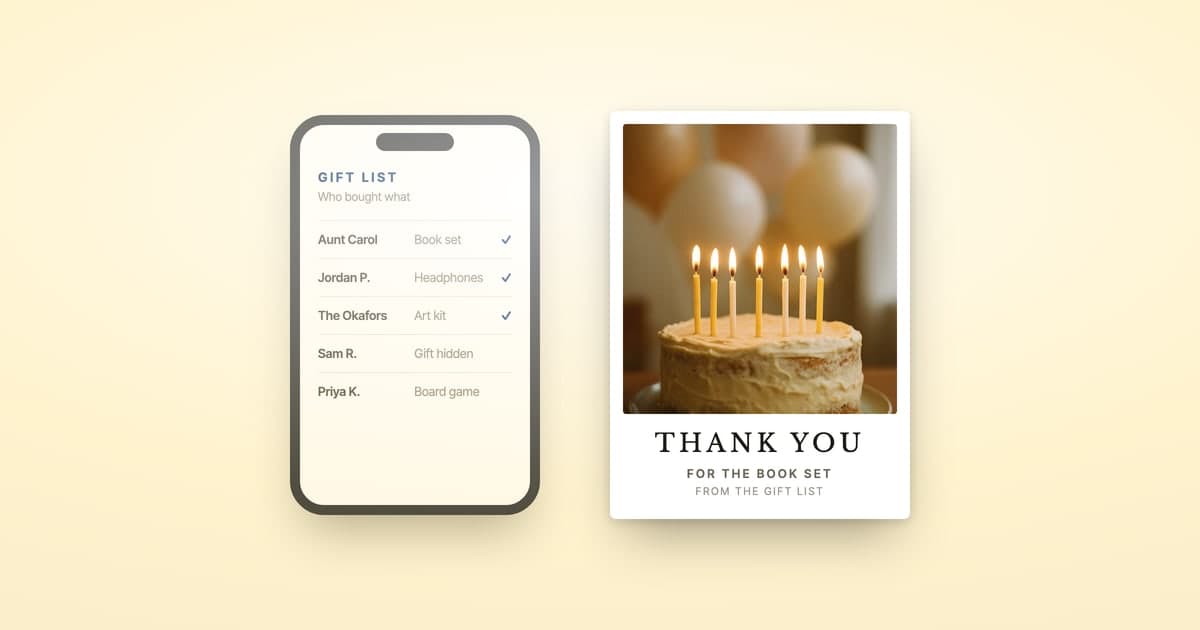
- On an Amazon Gift List, "Keep it a Surprise" changes what you see, not who you can thank. With it on, the item is hidden so the gift stays a surprise, but the giver's name and purchase date still appear. You can write the card without knowing what's in the box.
- The thank-you list survives a broken registry. If the registry itself is misbehaving — a dead share link, nothing returned in registry search — the Thank You & Returns data is unaffected. You can write the cards without fixing the registry first.
There is no official Amazon export. You're copying off the screen.
Babylist: the Gift Tracker export
Path: Gift Tracker → download your thank-you list.
Babylist prompts every giver to add a mailing address for a thank-you note after they mark the gift purchased — optional, but offered to everyone, so Babylist holds more addresses than most. Its own wording is "mailing address, if they chose to share it." Its help center documents where purchases appear, and the Gift Tracker offers a downloadable thank-you list carrying giver names and contact details alongside the gift and any message they left.
The gaps on Babylist are the usual ones rather than platform-specific: guests who bought from the "add any store" items outside Babylist's checkout, and anything handed over in person. Our Babylist thank-you walkthrough covers the full path from tracker to mailed card.
Zola: the CSV with addresses in it
Path: Registry → Gift Tracker → download.
Zola exports the most fields of any major platform. Per Zola's own FAQ on tracking who gave what, couples can download a list of who gave what and when along with their address, specifically framed as the input for writing thank-you notes. A second Zola FAQ enumerates the file: "every gift's order #, name of the gift, quantity, gift value, gift message, gift giver's address, order status, and thank you note status" — so you can track which cards you've already sent inside the same sheet.
If your registry is spread across Zola plus a retailer or two, reconciling them is its own small project; we wrote up the approach in managing gifts from multiple registries.
Target, Walmart, and the rest
Most of these won't hand you an address for the person who bought a gift. Target and Walmart show you who bought what; the aggregators often can't even do that. Crate & Barrel is the one exception below — it asks purchasers to release a mailing address at the time of the purchase, and passes it to the registrant whose registry the gift came from.
- Target shows purchaser names, gifts, quantities and dates in its gift tracker — and no addresses at all. There is no export and no address column; plan on reading names off the tracker and sourcing every address yourself. If the tracker is empty when it shouldn't be, that's usually Target's registry display problem rather than a missing gift.
- Walmart surfaces purchases against registry items with similar limits.
- The Knot and WithJoy split in two. Gifts bought through their own registries and cash funds show the giver's name and note; gifts from partnered or manually-added retailers show little more than the gift, and send you to log in there. Neither gift tracker documents a giver address — but both platforms do collect addresses through a shareable link into your guest list (Joy's Contact Collector, The Knot's address collection form). Those are built for invitations, so they're filled in long before the gifts arrive and are never joined to the gift record. You'll be matching two lists by hand.
- Crate & Barrel runs an opt-in Thank You Manager whose stated purpose is giving registrants the "name, address and/or email address" of people who bought gifts — so addresses are available here when the purchaser opts in. Our Crate & Barrel walkthrough covers the flow.
The pattern across all of them: the further the registry sits from the checkout, the less it knows about the giver. Aggregators know least.
How to get the addresses your registry doesn't have
The missing addresses are what actually blocks the cards. Assume a meaningful share of your list has no usable address — the gifts handed to you in person and the off-registry buys, at minimum. Three ways to close it, worst to best:
Ask in a group message. Fast to send, slow to resolve — you'll be re-asking the same handful of people for two weeks, and transcribing whatever format each of them replies in.
Build a spreadsheet and ask individually. More reliable, considerably more work, and you still transcribe every reply by hand — which is where addresses get typo'd and cards come back.
Send each person a link that asks only for their address. This is the version that finishes, because there's nothing for you to transcribe and nothing for them to get wrong.
ShipNote builds it in. Paste what you have; any row with a name but no address flags itself and offers "Don't have their address? Request it with a link." You get two links — one you text or email them, one you keep. Theirs opens a page that says who the card is from by first name and asks for exactly one thing, a mailing address, which is checked against postal records before it's accepted. When it lands you get an email, and one tap puts the verified address onto that person's card. Links are good for one submission, and you can have up to 50 outstanding at a time.
That closes the two categories no registry can ever help with — the gifts handed to you in person, and the ones bought outside your registry entirely.
Will they think it's a scam? Fair question — an unexpected link asking for your home address is exactly what a scam looks like. So the page they land on names who it's from by first name, says plainly that a mailing address is the only thing it collects, and collects nothing else: no email, no phone, no account. It works once and then it's dead. Send it with a line of your own — "sending you a thank-you card, need your address" — and it reads like what it is.
What to do once you have the list
Once you have names and addresses in one place, you can write one message in ShipNote, paste that list in, and have printed postcards mailed to all of them: $1.99 a card at 10 or more, postage included, in the mail the next business day. No envelopes, no stamps, no hand-addressing — and postcards mail at $0.65 rather than the $0.82 letter rate.
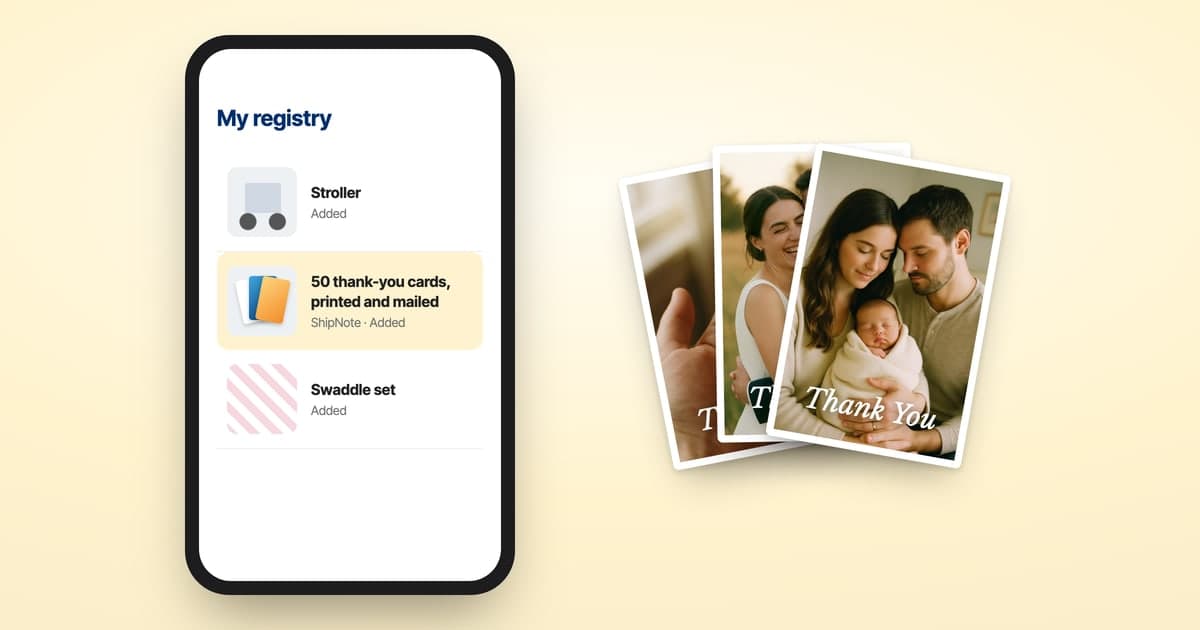
If a guest gave you a ShipNote thank-you card pack, the same list goes out on the gift: you paste it in and send with nothing to pay, or pay only for any cards past the pack. Registries that are still open can carry a pack too; see how to add thank-you cards to your registry.
If you're weighing that against doing it yourself, we costed both routes properly in the cheapest way to mail thank-you cards — DIY genuinely wins on cash, and loses about four hours per fifty cards.
And keep the list when you're done. The addresses you gathered for thank-yous are most of next December's card list, so copy them into a Christmas card list template with a column for the year you sent each household a card, and you won't have to collect them twice.
Gift giver address FAQ
Do registries give you the gift giver's address?
Partially. Every major registry stores an address for some givers and not others, because the address comes from what the giver entered at checkout. Amazon shows an address only where the giver chose to share it; Babylist and Zola both include addresses in a downloadable thank-you list where they have one. Expect a complete list from none of them.
Where do I find gift giver addresses on Amazon?
Visit Your Registries and Gift Lists, then open Thank You & Returns. That list shows who bought what, with the giver's address where the giver opted to share it with you. If they didn't, you get the name only — Amazon never reveals an address the purchaser chose to withhold.
Can I export gift giver addresses from Babylist or Zola?
Yes, both offer a download. Babylist's Gift Tracker has a thank-you list export with giver names and contact details, and Zola's gift tracker exports a CSV that includes the giver's address alongside the gift, order number, and thank-you status.
Why is a gift giver's address missing from my registry?
Because they never entered one you can see. Guests who ship a gift to you provide an address for the shipment, not for correspondence, and several registries treat that as private. Gifts bought in-store, given in person, or purchased off-registry leave no address at all.
How do I get addresses for the givers my registry doesn't have?
Ask them directly, and make it one tap. The reliable version is sending each person a link that asks for one thing — a mailing address — and verifies it on submission, so there's no reply to transcribe and no format to clean up. That handles the in-person gifts and off-registry purchases no registry can cover.
Is it safe to use gift giver addresses for thank-you cards?
Yes — mailing a thank-you card to someone who sent you a gift is exactly what that data is for. What matters is handling: keep the list to the people you're actually thanking, don't publish it, and use a service that mails from it rather than one that resells it.
You won't get every address out of a registry. ShipNote collects the missing ones with a link and mails the whole batch once they're in — $1.99 a card at 10 or more, postage included.
Ready to mail your thank-yous?
First batch ships next business day. From $1.99 per card. No subscription.
Create Your Postcards