
Target Registry Not Showing? Fix Gifts, Discount & Kit
When people search "Target registry not showing," they almost never mean the same thing — and that's why generic registry advice misses. On Target specifically, the thing that isn't showing is usually one of three Target-only mechanics: the 15% completion discount, the free baby registry welcome kit, or an in-store gift that never got marked purchased. Each has its own cause and its own fix, none of which involves "wait 24 hours and clear your cache."
The short version
Most Target "not showing" reports trace to a gated benefit, not a bug. The completion discount is due-date-gated — it only appears in your Target Circle offers eight weeks before a baby's arrival or the week of a wedding. The welcome kit requires Target Circle, 10 unique registry items, $10 purchased, and accepting the bonus (24–48h to issue). An in-store gift only marks purchased if the cashier scanned your registry barcode. Online purchases added from the registry update within 15 minutes.
Verified June 2026 against Target's own help pages; welcome-kit and online-purchase details re-verified September 2026. Target changes registry rules and exclusion lists regularly — treat the dated specifics below as current-as-of-this-week, not permanent.
Why isn't my Target registry completion discount showing up?
The completion discount is time-gated, not instant. Target generates the 15% off offer eight weeks before your expected arrival date for a baby registry, or the week of your event date for a wedding — and your registry has to have been active for at least 14 days first. If you created the registry yesterday or your due date is months out, there's nothing missing; it hasn't been issued yet.
When it does issue, it lands in Target Circle — at the top of your Circle Offers page, or under the Baby Registry / home offers category. It's not a paper coupon and it's not on the registry dashboard itself, which is where most people look first and conclude it's "not showing."
A few specifics worth knowing before you go hunting:
- Redeemable up to two times — once in a 12-month period per Target Circle member — and each use works in-store or online.
- Expires six months after it activates.
- Exclusions apply, and the list is long. Target's current promotional-exclusion list pulls out alcohol, gift cards, clearance, and a rotating roster of brands — Apple, Dyson, Bose, Beats, JBL, LEGO, Casper, Kendra Scott and others appear on it. If the discount looks like it "didn't apply," check whether the item is on the exclusion list rather than assuming the offer is broken.
If you're past the 14-day mark, inside your due-date window, and it still isn't in Circle, that's the point to contact Target — not before.
Why didn't my Target welcome kit / registry box show up?
The welcome kit isn't automatic — it's earned, then accepted. Target's free baby registry welcome kit (a roughly $100 mix of product samples and a Target Circle Bonus) only issues once you've done all four of these: joined Target Circle, added 10 unique items to the registry, had over $10 purchased from it (by you or anyone else), and then waited 24–48 hours for the Target Circle Bonus to be issued.
The step almost everyone misses is the last one. Once the bonus is issued, it sits on your registry dashboard waiting for you to accept it — it does not auto-apply. People meet every requirement, check the dashboard, see nothing claimed, and assume the box "didn't show." It's there; it needs a click.
Two more gotchas:
- One kit per year, and registries that already claimed a previous kit aren't eligible again.
- There's no in-store version to look for. Target says its baby registry welcome kits are "only available online as a Target Circle Bonus" — a mix of samples and Circle Bonus, with shipping and handling fees, for active baby registries created after 08/15/2023. A missing kit means a bonus not yet issued or not yet accepted on your registry dashboard.
If you've enrolled in Circle, cleared 10 items and $10, waited 48 hours, and there's genuinely no bonus on the dashboard to accept, that's a support ticket.
A gift I know was bought isn't marked purchased on Target
For in-store gifts, the cashier has to scan your registry barcode — and frequently doesn't. This is the single most common "purchased but not showing" case on Target, and it has nothing in common with online registries. Per Target's help docs: "At checkout, have the cashier scan both the registry / wish list barcode as well as the gifts you're purchasing. This will mark the item/s as purchased on the gift list." No barcode scan, no purchased flag — the gift simply never connects to your registry.
That barcode lives in two places: on the printed registry a guest carries in, or via the "scan at store checkout" button when the registry is opened in a mobile browser. Guests on The Bump report handing over the printout and still having only some items scan through — a busy lane, a partial scan, and three of five gifts never register.
Online is different: Target says a gift added to the cart from your registry and bought on target.com updates the list within 15 minutes — it doesn't wait for shipping. If a target.com gift still isn't marked after that, it's the same giver fix below; Target's Mark as purchased flow even takes a target.com order number.
The recovery path is the same for both, and it's a giver action, not an owner one: the person who bought the gift can sign in, open Registry & Wish List, search the registry by the registrant's first and last name, open it, and choose "Mark as purchased." If a relative tells you they bought something that isn't in your tracker, that's the link to send them — far faster than waiting on Target support.
I can't see who bought my Target gifts
On the Target app, purchaser names are hidden until you turn them on. Open the gift tracker and flip on "show gift-giver names" — Target double-checks you really want to peek — and the purchasers appear. On target.com the names already show on the Track your gifts page without a toggle. The names are declinable by guests, and Target never shares purchaser addresses in the tracker, only names, gifts, quantities, and dates.
That's the short version, because the full who-bought-what walkthrough — opening Track your gifts, the app toggle, group-gift gaps — already lives in our Target registry thank-you guide. Start there if your goal is reading the list, not troubleshooting it.
Target is not unusual in withholding addresses, either. We compared what each major platform actually stores in which registries store a gift giver's address — Zola exports them, Babylist holds most, Amazon shows them only where the giver agreed, and Target none at all.
Capturing addresses and sending thank-yous anyway
Here's the gap that no Target fix closes: even when everything is showing correctly, Target gives you purchaser names but never their addresses, and has no way to mail a thank-you. The Track your gifts page is a clean who-gave-what ledger and a dead end — there's no card, no envelope, no mailing step, and no address column to work from.
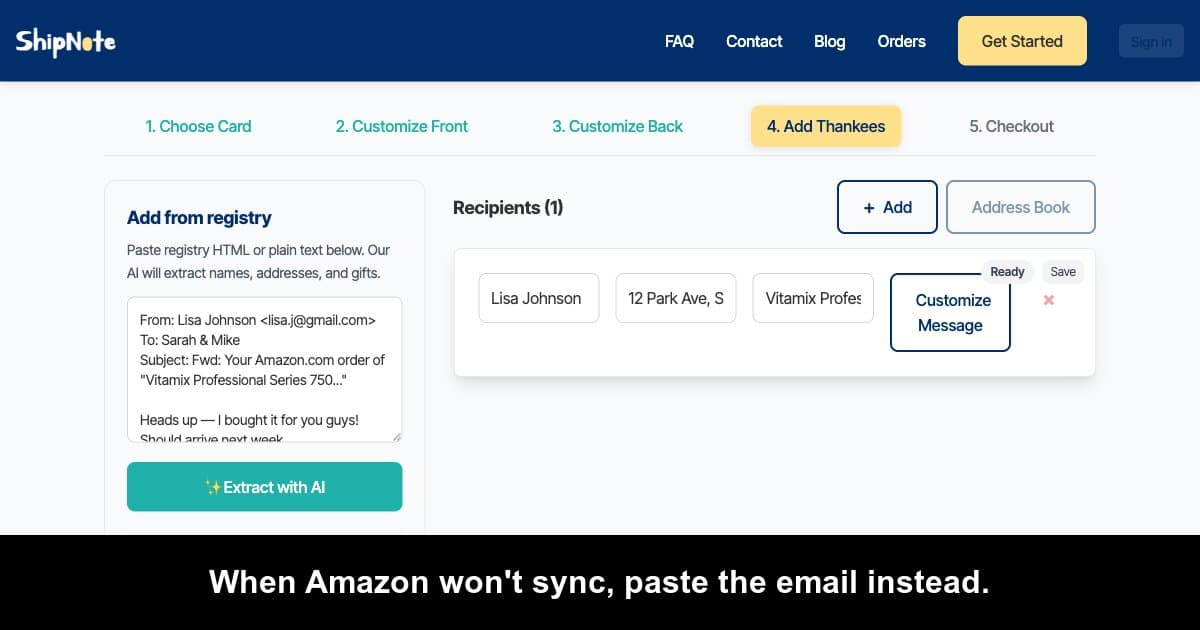
That's the exact handoff ShipNote is built for. Once you can see who bought what — discount or no discount, kit or no kit — paste your Track your gifts list straight into ShipNote's customize flow alongside your guest list. The AI parser pulls each purchaser's name and gift, pairs them, and prompts you to drop in the address from your own list (Target never had it). Group gifts and in-store buys that Target's tracker missed? Add those people by hand in the same batch — anyone who chipped in still gets a card.
Then pick a postcard, write one template message with [name] and [gift] placeholders, confirm the batch, and ShipNote prints, stamps with USPS first-class postage, and mails every card the next business day. A single card is $2.49; from 10 cards it's $1.99 apiece, delivery included — no envelopes, no separate stamps.
Paste your Target registry into ShipNote → First batch ships next business day.
FAQ
Does the Target completion discount show up automatically?
No. It's issued on a schedule — eight weeks before a baby's due date, or the week of a wedding, and only after the registry has been active 14 days — and it appears inside Target Circle, not on the registry page. If your date is still far out, it simply hasn't generated yet.
Why does my Target gift tracker show fewer gifts than I actually received?
The usual culprit is in-store purchases that weren't scanned against your registry barcode, plus group gifts, which Target doesn't track at all. Online gifts added to the cart from your registry update within 15 minutes; in-store gifts only sync if the cashier scanned the barcode. Givers can manually mark missed items via "Mark as purchased."
I met every welcome-kit requirement but the box still isn't showing — why?
Most likely the Target Circle Bonus was issued but not accepted. After you hit Circle enrollment, 10 unique items, and $10 purchased, the bonus lands on your registry dashboard and waits for you to claim it — it doesn't auto-apply. Allow 24–48 hours, then check the dashboard for an unaccepted bonus.
Related reading
- Manage gifts from multiple registries — if Target is one of several platforms you registered on.
Registry-specific pages: Target, Amazon, Babylist, Zola, The Knot, Walmart, Crate & Barrel.
Ready to mail your thank-yous?
First batch ships next business day. From $1.99 per card. No subscription.
Create Your Postcards