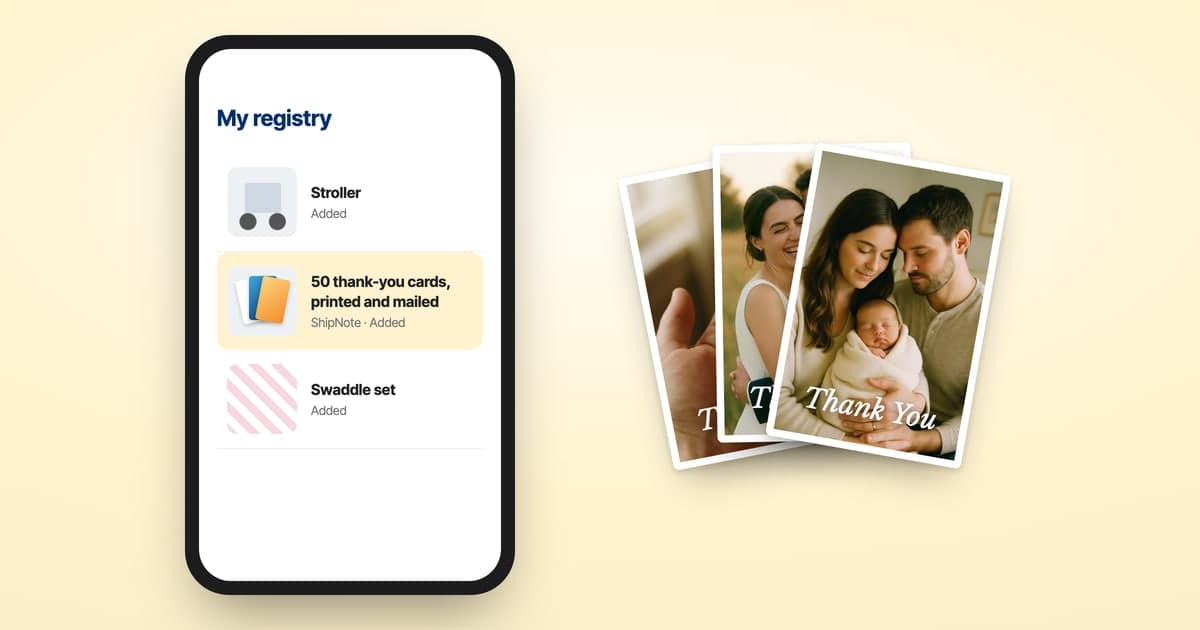

Macy's Registry Thank-You Cards in 15 Minutes
Macy's does the hard half well. Every registry gets a Gift Tracker, and Macy's own help describes it exactly: sign in and visit the Gift Tracker tab "to view gifts received and manage thank-you notes."
Read that sentence again, because the useful word is manage. The Gift Tracker gives you a checkbox next to each gift. Ticking it records that you sent a thank-you note. It does not send one.
Everything between "I know who gave me the salad bowls" and "a card is in their mailbox" is still yours: buying stationery, finding addresses, handwriting, stamping, and a trip to the post office. That gap is what this guide closes.
This is the version that doesn't suck. Fifteen minutes from "I should really do this" to "every postcard is in the mail."
Macy's registry details here were checked against Macy's own help centre on September 8, 2026. Registry tools change; check yours if something reads differently.
TL;DR
- On macys.com, sign in and select Gift Registry in the top-right menu (in the app: your name, bottom-right, then Manage Your Registry)
- Open the Gift Tracker tab — gifts received, plus the thank-you checkboxes
- Reconcile against what you have actually opened; Macy's warns items can read purchased while in transit, undelivered, backordered, or returned
- Macy's doesn't document giving you mailing addresses, so pull those from your invitation list
- Paste the list into ShipNote — the AI parser extracts givers and gifts in one pass
- We print, stamp, and mail every card next business day — $1.99 each on orders of 10+, all-in
How does ShipNote compare to other ways to mail Macy's thank-yous?
The time math for a typical 50-recipient wedding batch:
| Method | Total time | Cost per card (mailed) | Addressing | Postage |
|---|---|---|---|---|
| Handwriting + bought stationery + stamps | 5–10 hours | ~$5.25 | DIY | DIY |
| Spreadsheet + photo lab + envelopes + stamps | 2–4 hours | ~$3.30 | DIY | DIY |
| Printed photo cards (Shutterfly, Minted) + manual addressing + stamps | 2–4 hours | ~$3.00 | DIY | DIY |
| ShipNote postcards from your Macy's Gift Tracker | 15 minutes | $1.99 | Included | Included |
Every ShipNote postcard includes the printed card, addressing, USPS first-class postage, and next-business-day mailing. No envelopes, no separate stamps, no add-ons.
Step 1: How do I open my Macy's Gift Tracker?
On macys.com:
- Sign in.
- Select Gift Registry in the top-right menu.
- Open the Gift Tracker tab.
In the Macy's app:
- Sign in.
- Tap your name in the bottom-right corner.
- Select Manage Your Registry, then Gift Tracker.
If you started your registry in store with a Macy's colleague, it is not automatically attached to your online account — Macy's registry setup offers a Link Store Registry option for exactly that case. Link it first, or the Gift Tracker you are looking at will be missing everything bought in store.
Step 2: Reconcile the tracker against what you actually opened
Do this before you write a single word. It is the step people skip and the one that causes the only genuinely awkward mistake in this whole process.
Macy's is explicit that an item can appear purchased without having reached you, and names four reasons:
- The gift is still in transit
- The guest hasn't delivered it yet
- The item is on backorder
- The item was returned
That last one is why this matters. Thanking someone warmly for a gift they returned is a small disaster, and it is entirely avoidable. Work from the pile you have actually unwrapped, and treat the Gift Tracker as the record of who, not the proof of what arrived.
The reverse gap is worth a look too: gifts bought off-registry, or handed to you at the reception, never appear in the tracker at all. Those people still need a card.
Step 3: Where do I get mailing addresses for Macy's thank-yous?
From your invitation list, not from Macy's.
Macy's documents the Gift Tracker as the place to view gifts received and manage thank-you notes. It does not document handing gift-givers' mailing addresses to the registrant — which is the norm across every major registry, and reasonable: a guest's address is their data, not yours to harvest because they bought you a mixer.
The good news is you already have them. Whatever you used to mail invitations is a list of names and addresses, and it covers most of the people in the tracker. For the rest — the coworker who shipped something, the aunt who ordered online — you will be asking a few people directly, and that is a short list rather than a project.
In ShipNote you add addresses inline as you build the batch. Add any you type in to your invitation list too, so it stays complete.
Step 4: Pick a postcard and write one message
Head to ShipNote's customize flow and start a new batch. Choose a wedding design, then write one message with placeholders for the recipient and the gift. Each card renders with that person's name and what they actually gave.
If a gift was a Macy's gift card or a cash contribution, write about what it is becoming rather than what it was, and skip the amount.
Step 5: How do I copy my Macy's registry into ShipNote?
- On the Gift Tracker tab, select the list and copy it (Cmd+A / Cmd+C works).
- Continue to ShipNote's Recipients step and paste it in.
- The AI parser pulls out each giver's name and the gift they gave. Messy paste is fine — that is what the parser is for.
- Add each address inline. Anything missing is flagged before printing, not after.
You are pasting the pairing that matters: a name next to a gift. That is what makes the card read like a thank-you note instead of a form letter.
Then spend your real writing on the ten or fifteen people who deserve more than a template — the grandparents, the friend who travelled, whoever gave the gift you already use every week. Open those cards individually and rewrite them. The rest go out filled in and personal.
Step 6: How quickly will my Macy's thank-you cards arrive?
Cards are printed and mailed the next business day after you order. Most arrive 4–7 business days after that, so a batch ordered on a Monday is typically landing the following week.
There is no minimum. Ten cards gets you the $1.99 rate; fewer is $2.49 each.
How long does a Macy's registry stay available?
Per Macy's: your registry remains available in stores and online for 18 months after your event date, or 18 months after the last registry activity, whichever is later.
That is generous, and it is also a deadline nobody thinks about. The Gift Tracker is your only structured record of who gave what. Copy it out — into ShipNote, a spreadsheet, anywhere — rather than assuming it will still be there when you get to the thank-yous. Eighteen months sounds like forever right up until it is eleven months ago.
Can I sync my Macy's registry to a universal registry?
Yes, and Macy's gives one condition: your registry must be set to Public to sync with a universal registry.
If you registered in several places and are consolidating into one universal list, and the Macy's sync will not take, that privacy setting is the usual cause. Worth knowing before you conclude the integration is broken.
What's included with every ShipNote postcard
- Printed on glossy postcard stock
- Personalized message + photo + recipient name
- Typed addressing (no handwritten labels)
- USPS first-class postage
- Next-business-day mailing
- No subscription, no add-ons, no hidden fees
Prefer to stamp them yourself? Check how many stamps a thank-you card needs first — postcards and heavier cards often need more than a single Forever stamp.
Keep your list for next time
The list you assemble here is the reusable part. Anniversary cards next year, holiday cards in December, and every milestone after that start from it rather than another round of address collection. Save your own copy.
Paste your Macy's Gift Tracker into ShipNote → First batch ships next business day. From $1.99 per card. No subscription.
If you registered on more than one platform, our other registry guides cover Amazon, Babylist, Zola, The Knot, Target, and Crate & Barrel. Or read how to manage gifts from multiple registries.
Ready to mail your thank-yous?
First batch ships next business day. From $1.99 per card. No subscription.
Create Your PostcardsCommon questions
Sign in and open the Gift Tracker tab on your registry. Macy's own help puts it plainly: the Gift Tracker is where you view gifts received and manage thank-you notes. On macys.com you reach it by selecting Gift Registry in the top-right menu; in the app, tap your name in the bottom-right corner and choose Manage Your Registry.
Macy's documents the Gift Tracker as the place to view gifts received and manage thank-you notes. It does not document sharing gift-givers' mailing addresses with the registrant, which is the norm across registries — a giver's address is their data, not the couple's. Plan on supplying addresses yourself from your invitation list. ShipNote lets you add each one inline as you build the batch; add any you type in to that list too.
Because it tracks them, it doesn't send them. The Gift Tracker's thank-you feature is a checkbox you tick once you have already written, addressed, stamped and mailed a card yourself. ShipNote is the part that checkbox assumes you have done.
Macy's names four causes: the gift is still in transit, the guest hasn't delivered it yet, the item is on backorder, or the item was returned. Check the Gift Tracker tab for updates before you write. Thanking someone for a gift that got returned is the one genuinely awkward mistake here, and working from what you have actually opened avoids it.
Per Macy's, your registry remains available in stores and online for 18 months after your event date, or 18 months after the last registry activity, whichever is later. That is a generous window — but it is also the clock on your gift record, so copy the giver list out well before it closes rather than assuming it will be there.
Almost always the privacy setting. Macy's states the condition directly: your registry must be set to Public to sync with a universal registry. If you are consolidating several registries into one list and the Macy's sync will not take, check that before concluding the integration is broken.