
Can You Add Target to Babylist? Combine Both Registries
Babylist is a universal registry, so the short answer to "can I add Target to Babylist?" is yes — but there are two different ways to do it, and each has a catch worth knowing before you start clicking.
The short version
Yes, two ways. You can add individual Target items with the Babylist button or app — though Target often blocks the button, so you'll usually add items by hand. Or you can transfer your whole Target registry into Babylist in one move — but the transfer drops gift cards, group gifts, retailer exclusives, and out-of-stock items, and it doesn't stay in sync, so anything you change on Target later won't update.
Verified June 2026 against Babylist's help center. Babylist and Target change their registry rules and exclusion lists regularly — treat the specifics below as current-as-of-this-week, not permanent.
Can you add individual Target items to Babylist?
Yes — Babylist is built to hold items "from any store," and the tool for that is the Babylist button (a browser bookmarklet for Chrome, Firefox, and Safari) or the "add item" search in the Babylist app.
Here's the catch: Babylist's own help docs note that some retailers — Target and Amazon among them — can block the button. When that happens, the button either does nothing or fails to pull the product in. The reliable workaround is to add the item manually: copy the Target product link (or search the item in the Babylist app) and add it by hand. It's a few extra seconds per item, but it always works.
Use this path when you only want a handful of Target items alongside a registry you're already building on Babylist.
Can you transfer your whole Target registry to Babylist?
Yes — Babylist has a one-step importer. In Registry Settings → "Transfer or Link a Registry" (or under Add Items → "Have an existing baby registry?"), you choose one of two options:
- Transfer copies your qualifying Target items into Babylist, where they show up as individual line items you can manage.
- Link just adds a link to your Target registry — your guests can click through, but the items aren't listed inside Babylist.
If you transfer, know what doesn't come across. Babylist's importer leaves behind:
- Retailer gift cards
- Group-gift items
- Store exclusives (Target-only products)
- Out-of-stock items
And there's no live sync — a transferred registry is a one-time snapshot. If you keep using your Target registry afterward, you'll have two lists drifting apart, which is the most common way couples end up with duplicate gifts. Pick one registry as your "main" and treat the other as read-only, or you'll be reconciling two lists at thank-you time. (If items seem to vanish during the move, that exclusion list is almost always why — see Babylist's note on transferred items going missing.)
Babylist vs Target: which should be your main registry?
If you're deciding which one to build on, the practical difference is reach. Babylist holds items from anywhere; Target only holds Target. Most couples who want both make Babylist the main registry and pull in their favorite Target items, because that keeps a single list for guests — and a single list to thank from later.
| Babylist | Target | |
|---|---|---|
| Registry type | Universal — add from any store | Single retailer (Target.com) |
| Add items from other stores | Yes (button or manual) | No |
| Cash & group funds | Yes (Cash Funds, Group Gifts) | Limited |
| Completion discount | Yes — see what it excludes | 15% completion coupon, if it shows up |
| Best as your "main" list | When you're buying across multiple stores | When you're shopping Target-only |
Combining isn't all-or-nothing, either: plenty of couples keep a Target registry for the in-store completion coupon and mirror the key items into Babylist for guests. Just remember the no-sync caveat above. For the broader version of this — wrangling Amazon, Zola, and The Knot into one list too — see how to manage gifts from multiple registries.
Once you've combined them, who do you thank?
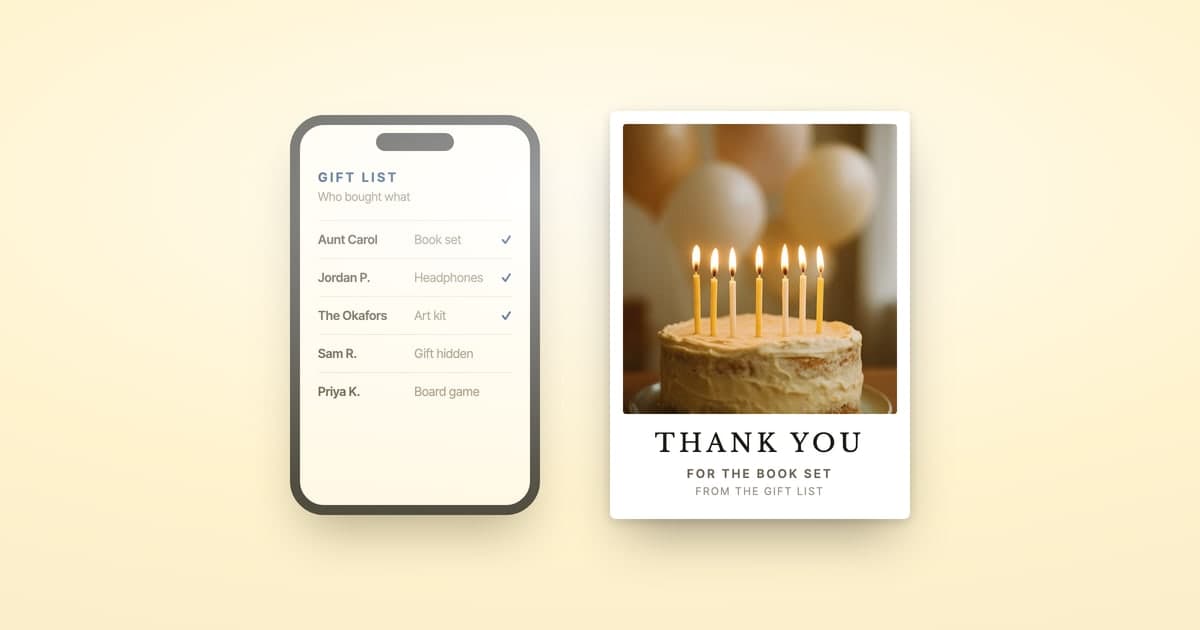
The reason most people merge registries is to stop juggling lists — and that pays off most at thank-you time. Once your gifts live in one Babylist Gift Tracker, you have a single source of truth for who gave what, no matter which store it came from.
One thing merging does not solve is addresses. Babylist shows a giver's address where they entered one at checkout, Target shows none at all, and gifts handed over in person leave no record on either — so expect a chunk of your combined list to have a name and nothing else. Our guide to getting the gift giver addresses your registry doesn't have covers what each platform actually stores and how to fill the gaps.
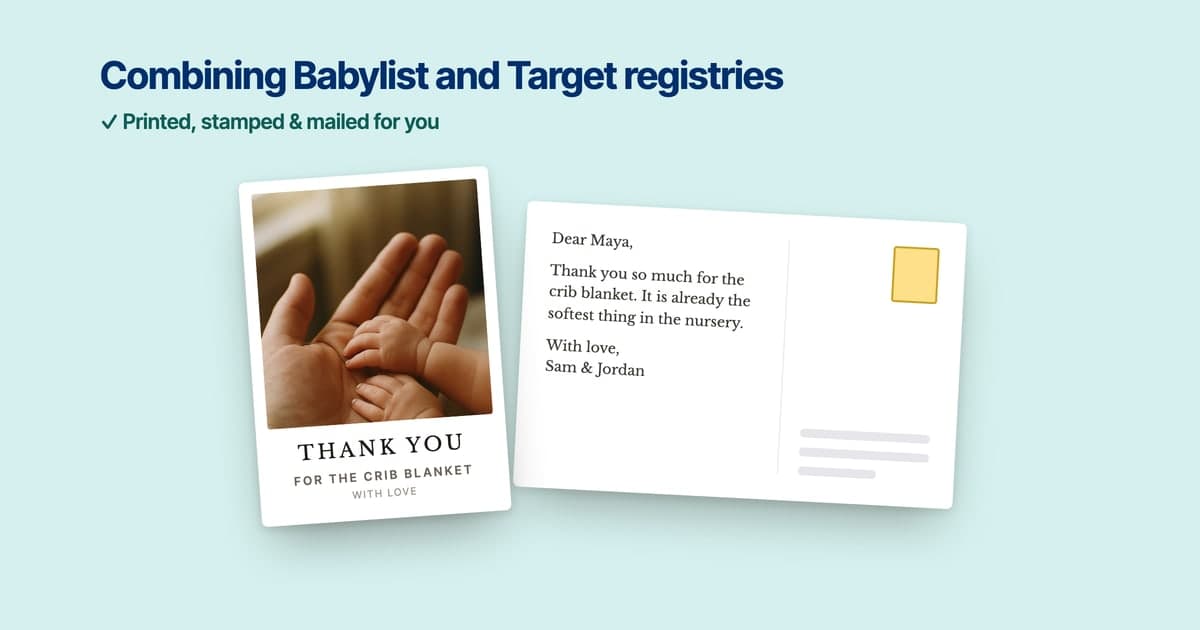
That's exactly where ShipNote picks up: paste your combined Babylist Gift Tracker into ShipNote and we parse every giver, gift, and address, then print, stamp, and mail a personalized thank-you postcard to each one — next business day, from $1.99 per card on orders of 10+. The full walkthrough is here: send thank-you cards from your Babylist registry. Shopping the other side too? The Target registry thank-you walkthrough covers that flow.
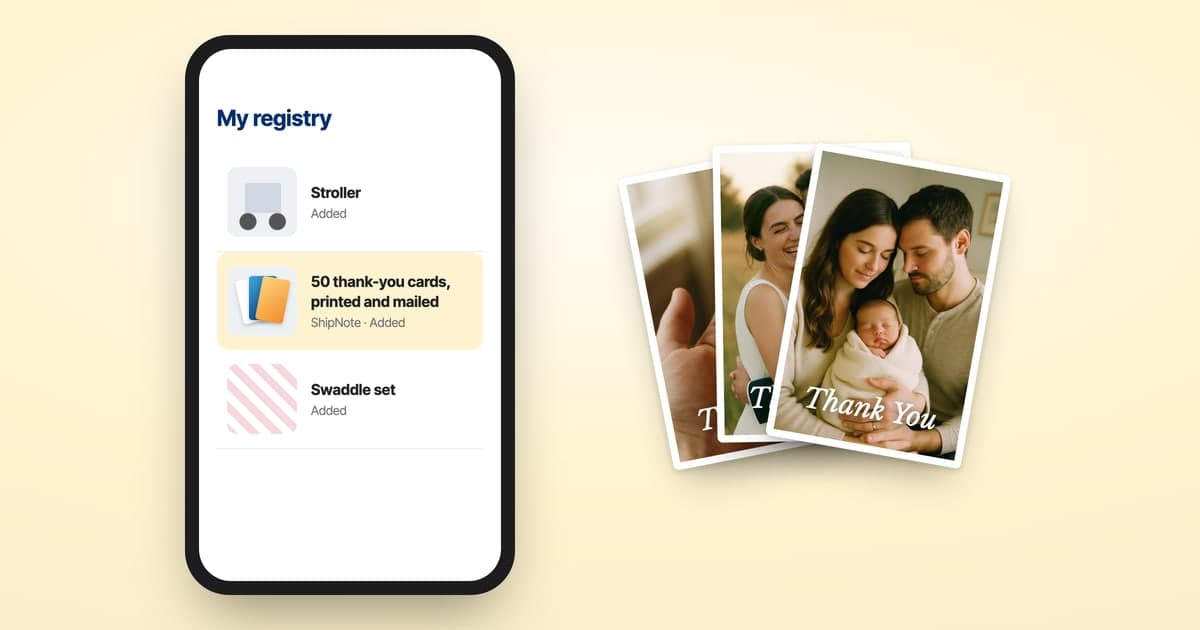
Since Babylist takes items from any store, it can carry the thank-you cards too: a ShipNote card pack has an Add to Babylist button, a guest buys it, and the batch above goes out with nothing to pay, or with only the cards past the pack to pay for. More in how to add thank-you cards to your registry.
Paste your Babylist registry into ShipNote → First batch ships next business day. From $1.99 per card. No subscription.
Ready to mail your thank-yous?
First batch ships next business day. From $1.99 per card. No subscription.
Create Your Postcards